NeoServer User Manual
Index
 NeoServer
NeoServer
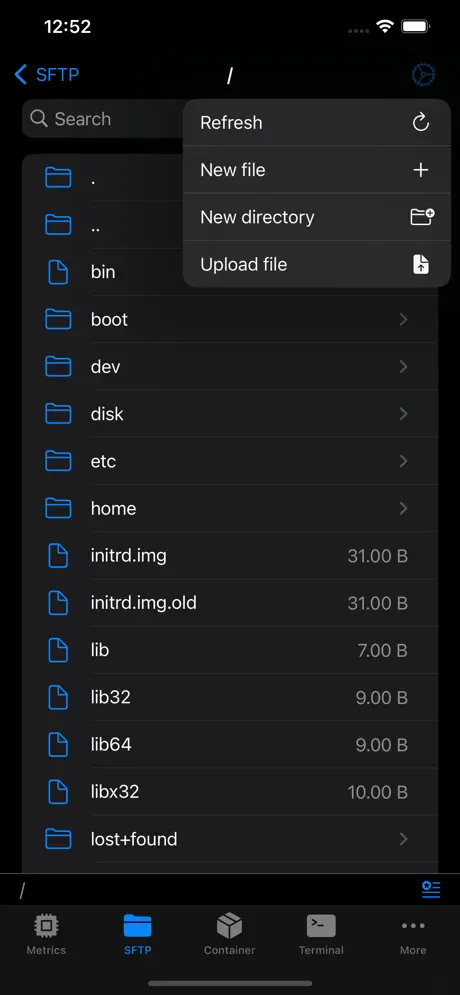
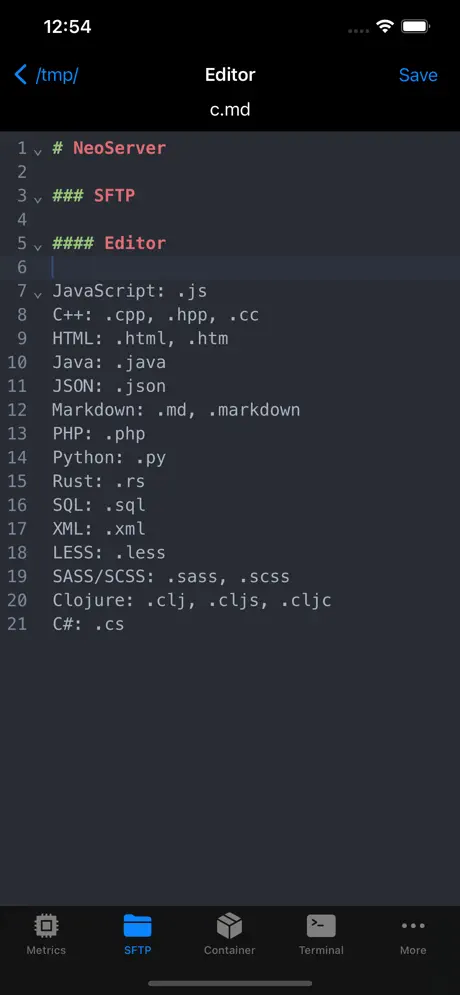
NeoServer offers a comprehensive management solution for your servers, NAS (Network Attached Storage), and Linux-based routers across iPhone, iPad, and Mac platforms.


Frequently Asked Questions
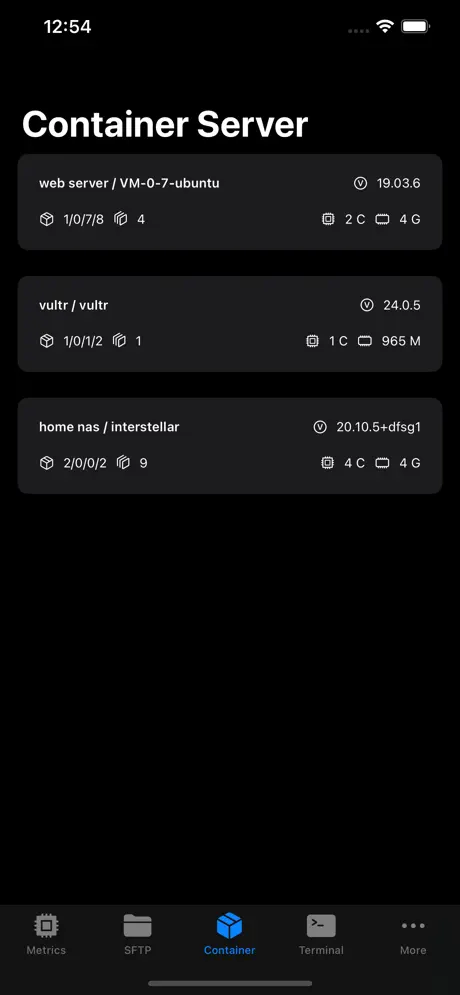
No Data in Containers
- NeoServer supports Docker and Podman.
- Check if you can run the
docker infocommand in the NeoServer scripts. - Check if your user is root, especially on Synology NAS. How to log in to DSM/SRM with root privileges via SSH/Telnet.
- Synology users can fix this by modifying the user group; run the following command.
sudo chgrp administrators /var/run/docker.sock
How to Get NVIDIA GPU Usage
Please install the command nvidia-smi.
How to Set Environment Variables
Please configure this in the server startup script.
How to Add Widgets
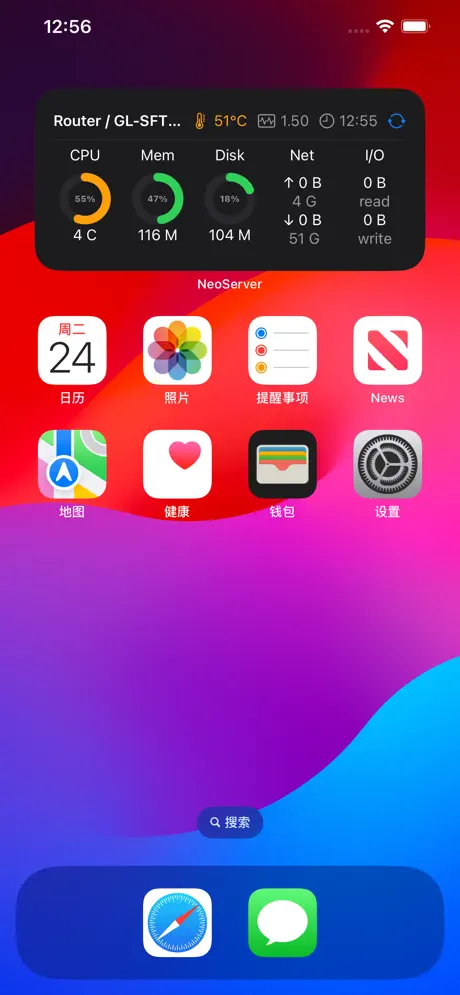
NeoServer widgets only support iOS 17 and later. How to add and edit widgets on your iPhone
How to Copy in the Terminal
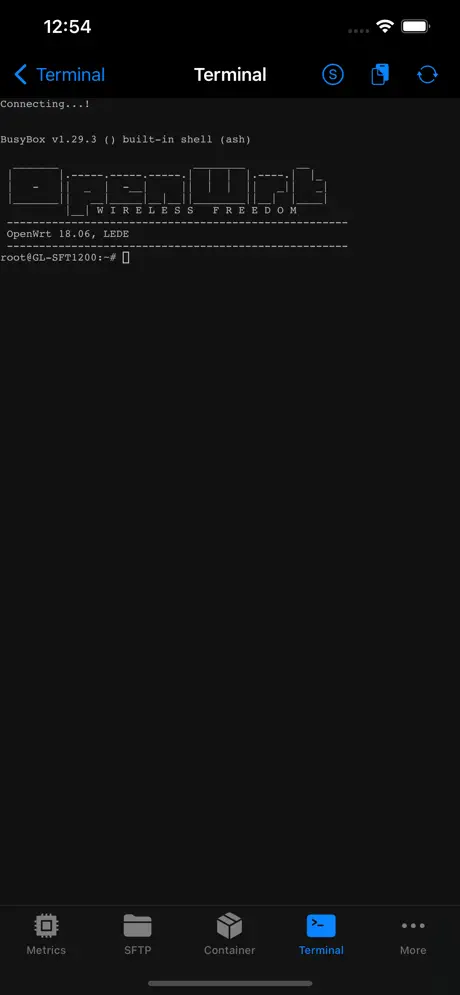
Tap the "Copy Mode" icon on the right side of the terminal page. This will switch from terminal mode to copy mode.
To exit "Copy Mode", tap the same icon again.
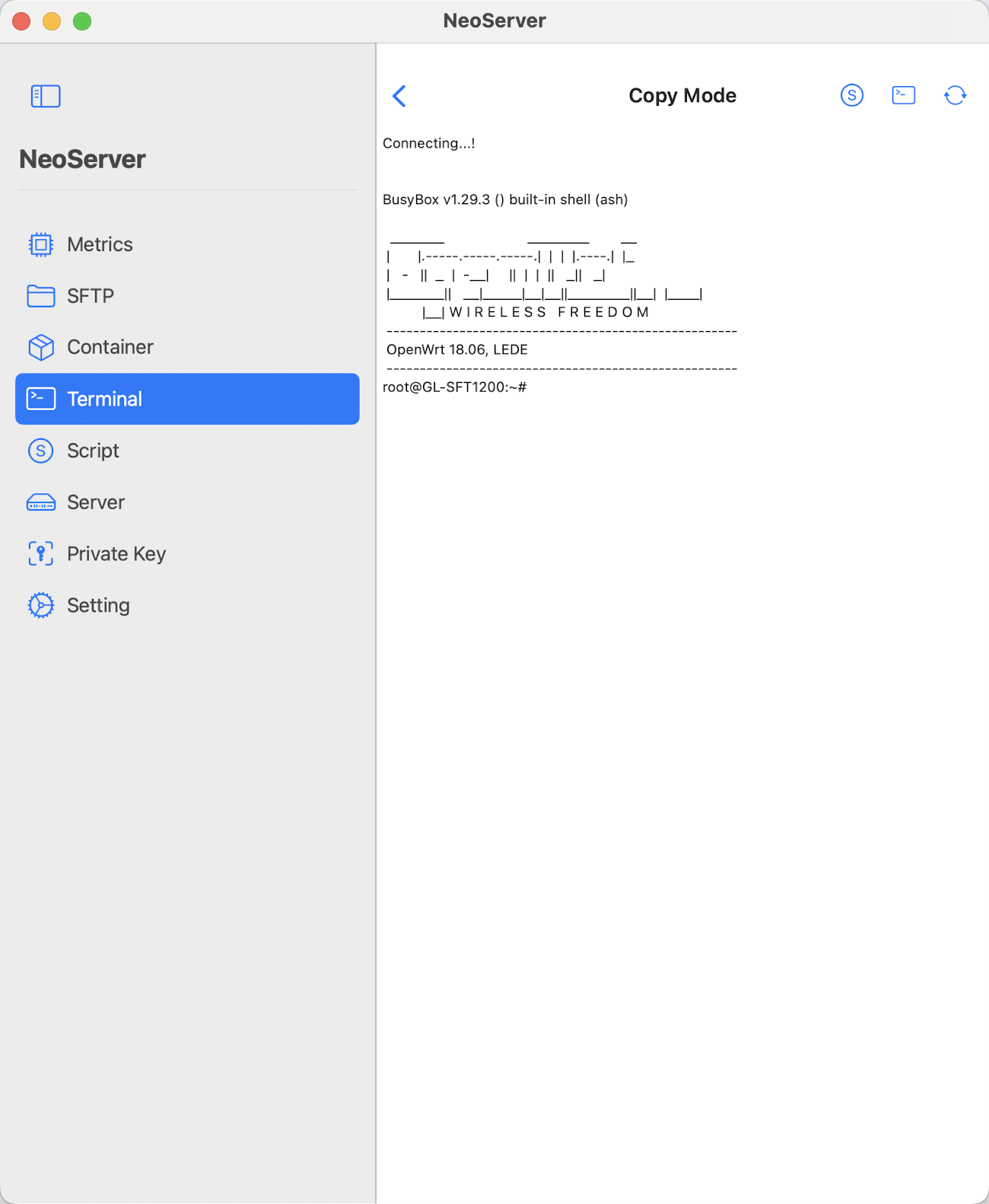
Fixing CPU Temperature Retrieval Issues
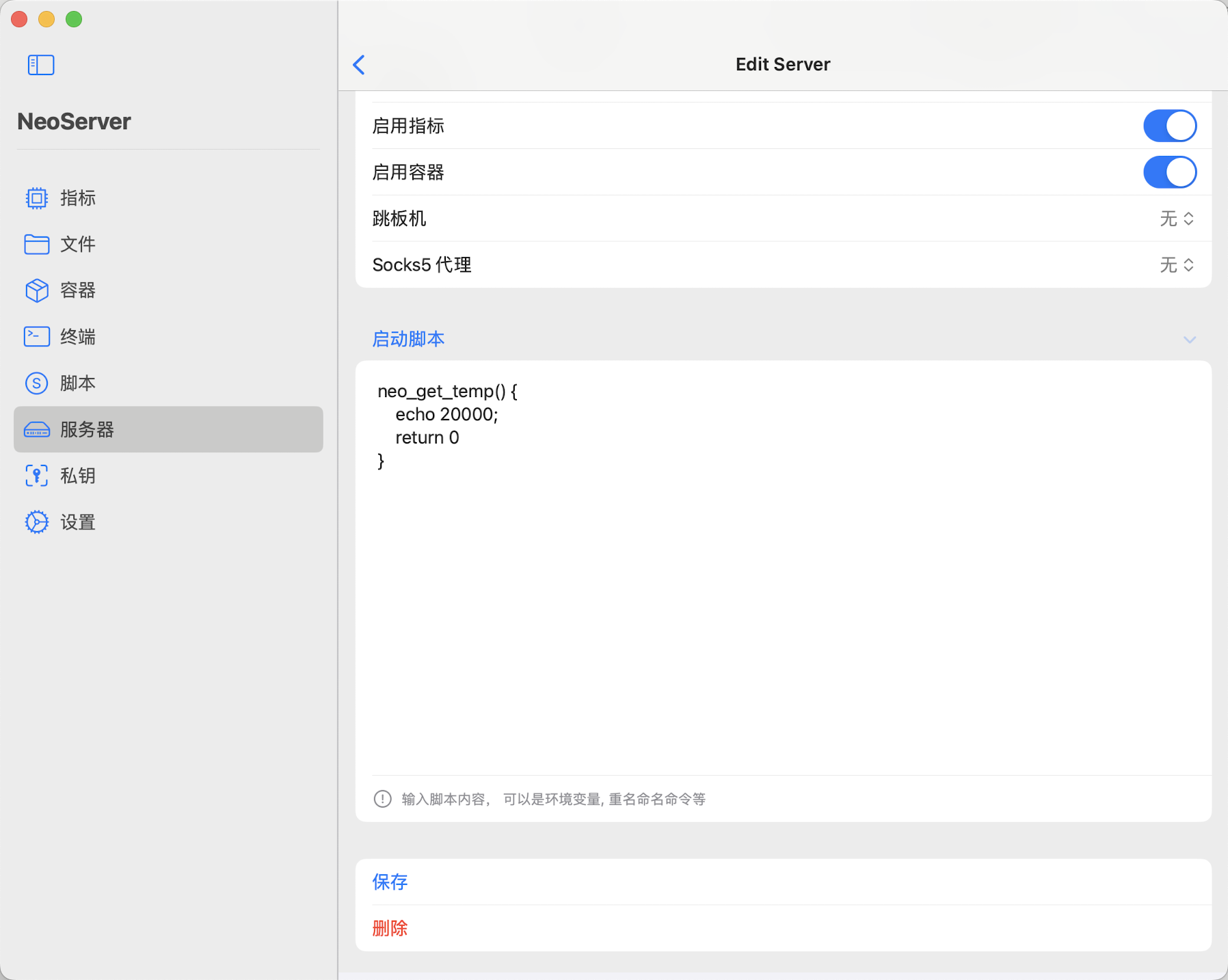
- Virtualized servers typically do not have CPU temperature measurement capabilities, unlike physical servers such as NAS systems and routers. • If your hardware has temperature measurement capabilities but it is not working properly, try the following methods to resolve the issue:
- Method 1: Install the sensors package. NeoServer will run this command to read the CPU temperature. How to install sensors (lm-sensors) on Ubuntu / Debian Linux
- Method 2: If you encounter difficulties retrieving temperature readings, go to the server startup script settings and add the following command:
neo_get_temp() {
    echo 20000;
    return 0
};
This command is intended to define a new function to retrieve temperature information.
Customizing Displayed Disks
Create the command neo_get_df, replacing filter_disk_name.
neo_get_df() {
   df -T | grep -v 'filter_disk_name'
};
Example: Filter out sda and sdc
neo_get_df() {
   df -T | grep -vE 'sda|sdc'
};
Example 2: Match CloudFS and vda1
neo_get_df() {
    df -T | head -n 1
    df -T | grep -E 'CloudFS|vda1'
};
For macOS, replace df -T with df -Y
neo_get_df() {
    df -Y | head -n 1
    df -Y | grep -E '/Volumes/Storage|/System/Volumes/Data'
};
Setting the Default Router
neo_get_default_router(){
    echo "en0"
}
Unable to Connect via SSH Public Key on OpenWRT, Receiving Error: "Username/Public key combination invalid (code 18 = authenticationFailed)".
This may be due to adding the public key using a newer algorithm (such as ecdsa-sha2-nistp256). OpenWRT supports RSA, so please add a public key starting with ssh-rsa to resolve the issue.
Explore All Features via Video
Data Storage and Privacy
All data is securely stored in iCloud and can only be accessed by your devices. You must protect your keys and passwords to prevent unauthorized access and potential data breaches.
Features
Multi Device
Support across multiple platforms: iPhone, iPad, Mac.
iCloud Sync
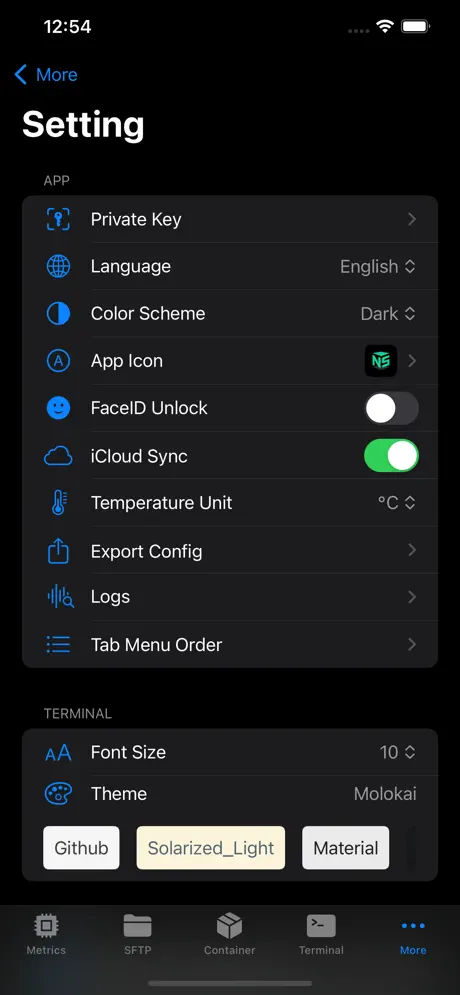
iCloud Sync ensures all your configuration information is securely stored in iCloud, facilitating seamless synchronization across your multiple devices.
Security
Security, featuring support for password and biometric (FaceID, TouchID) unlocking mechanisms.
A wealth of features.
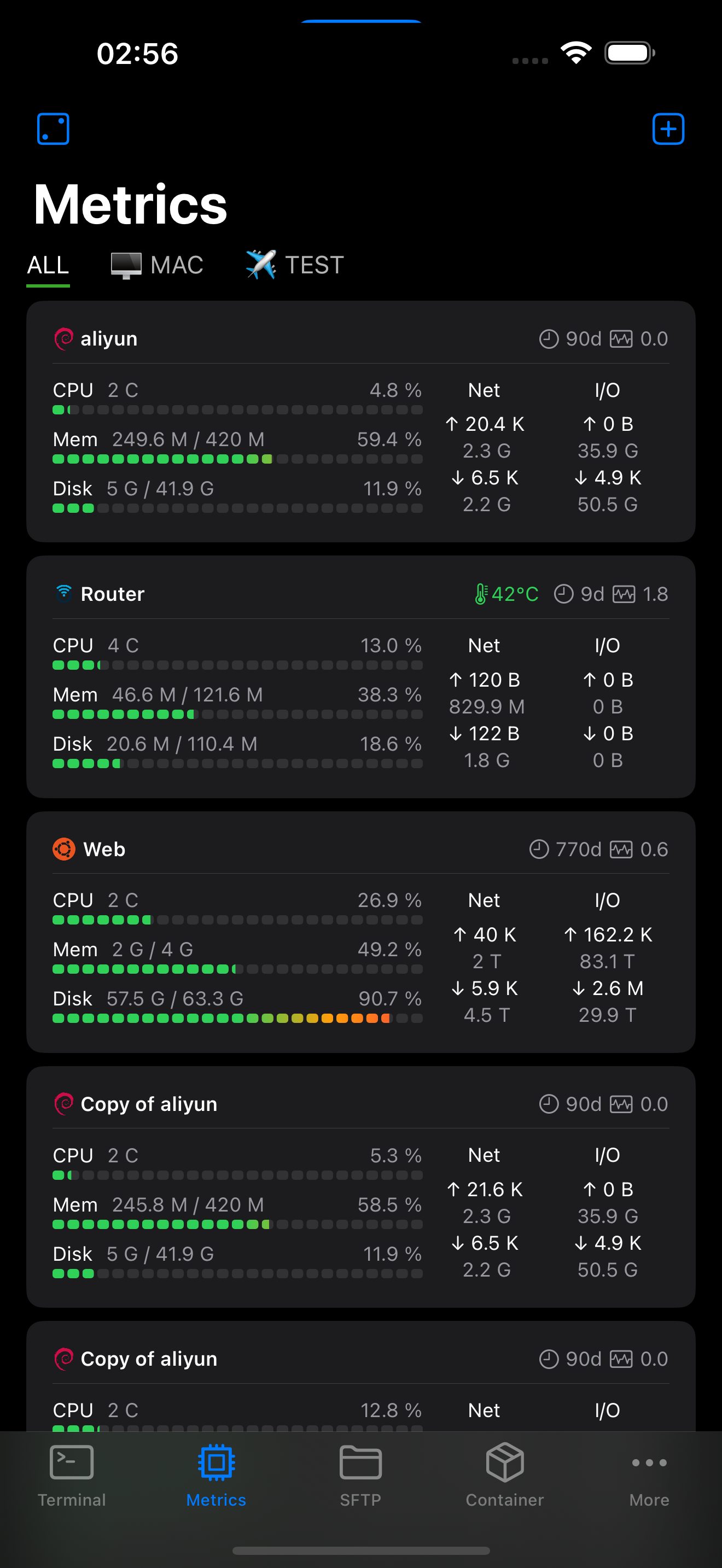
providing support for SSH terminal, script execution, containers management, and metrics monitoring with zero server-side configuration required.
Screenshots